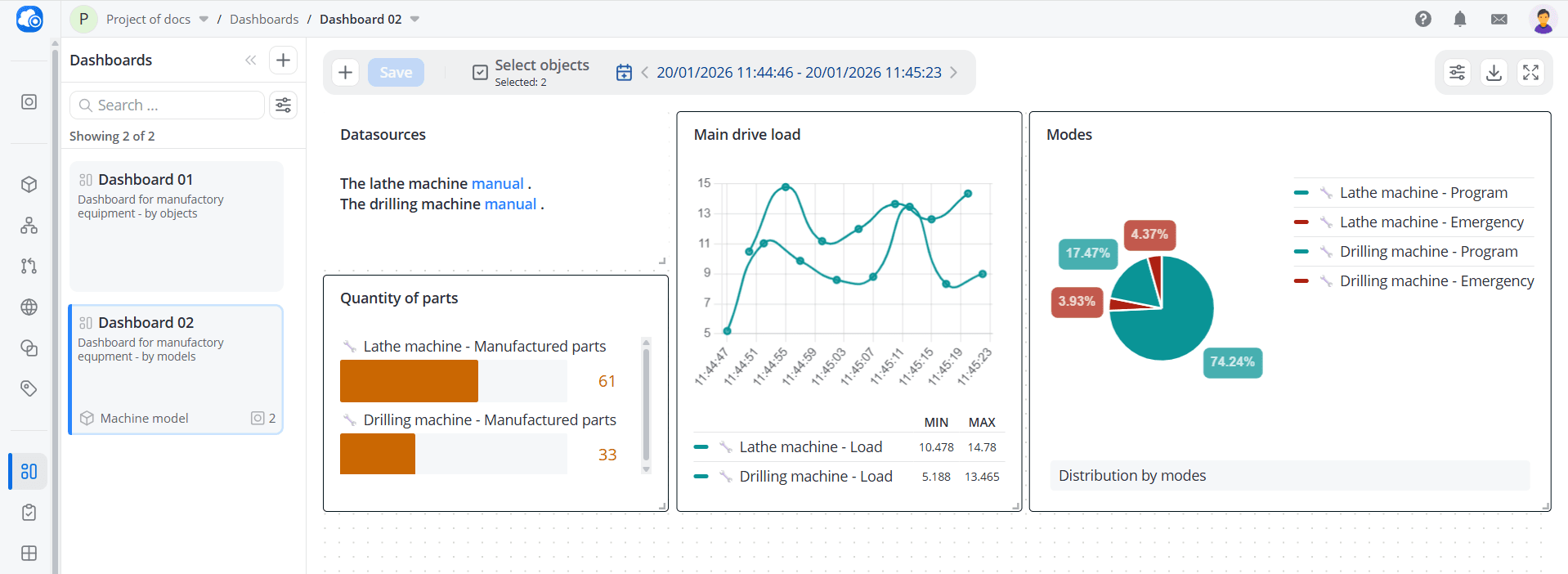
Dashboards “by models”
When creating a new dashboard, select the By models type and click Create. An empty workspace will open. Here,
you can add widgets. It is the same as for dashboards with the By objects type,
but the top panel has an additional button for selecting objects.
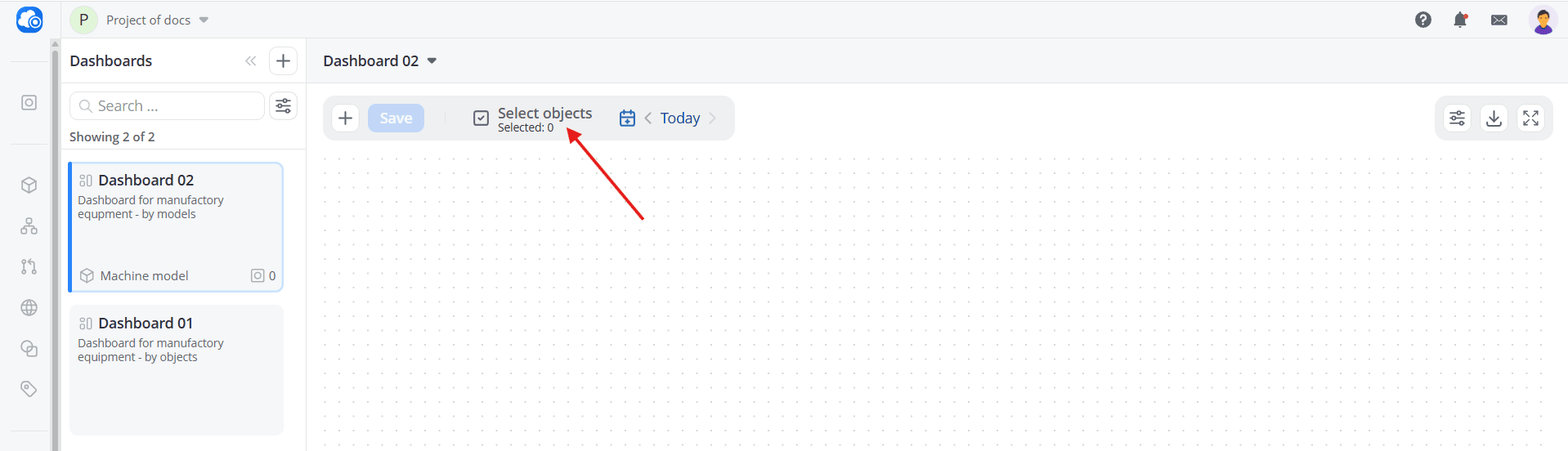
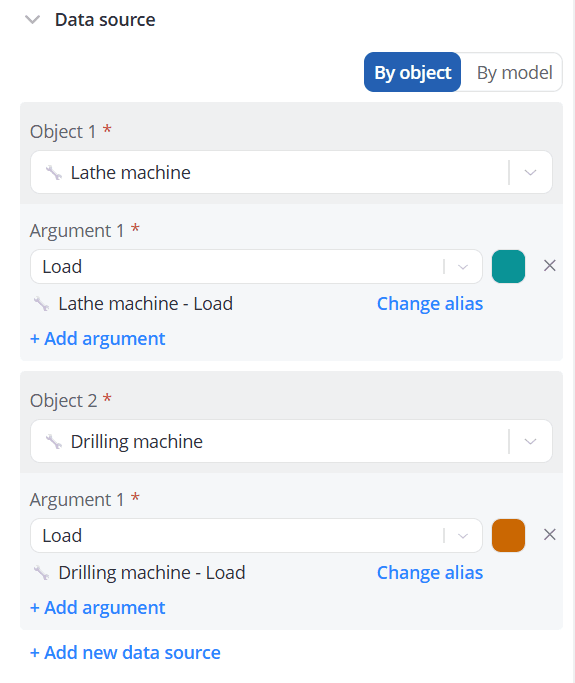
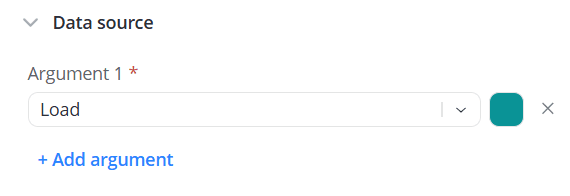
In dashboards of this type, objects are selected globally and applied to all widgets. Because of this, you do not select
objects separately when configuring a widget's data source — you go directly to configuring widget arguments.
| Selecting the data source of the Line chart widget for a dashboard with the By object type | Selecting the data source of the Line chart widget for a dashboard with the By model type |
|---|---|
 |  |
Available widget types:
After adding widgets, click the Select objects button, and choose the object cards whose data and commands
will be used in the dashboard. Only objects that use the model selected during dashboard creation are displayed in the
list.
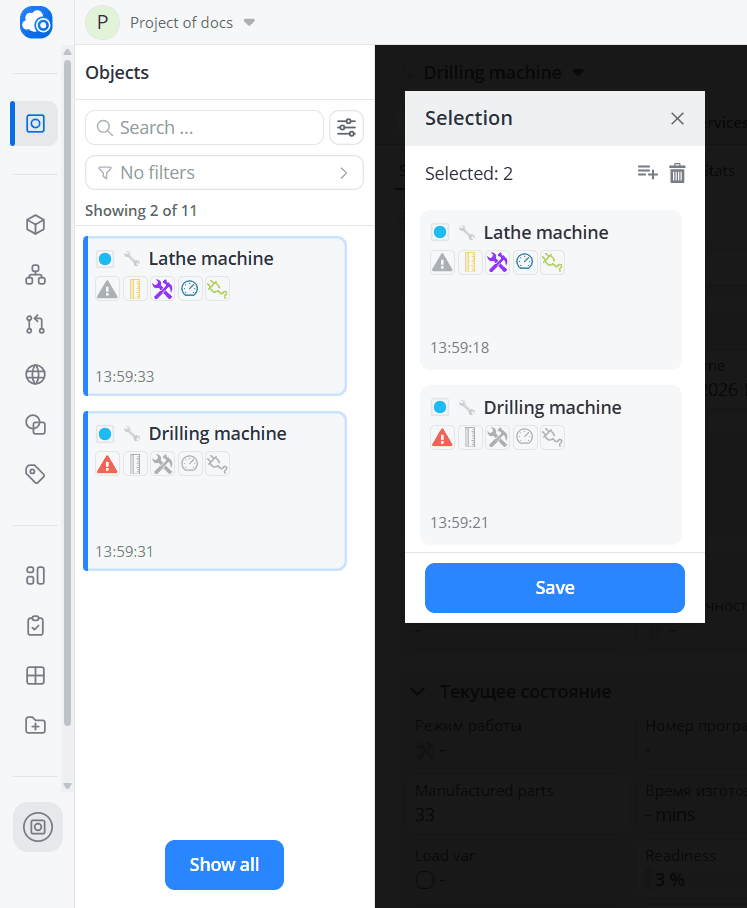
Click the Save button; all dashboard widgets will display data for those objects within the selected time period.