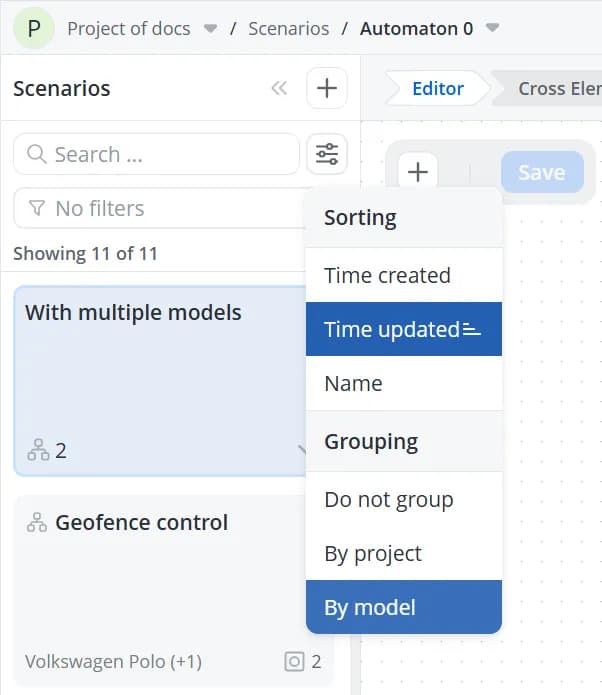
Filters, sorting, and grouping
Filters
In addition to search, the scenario list supports configurable filters.
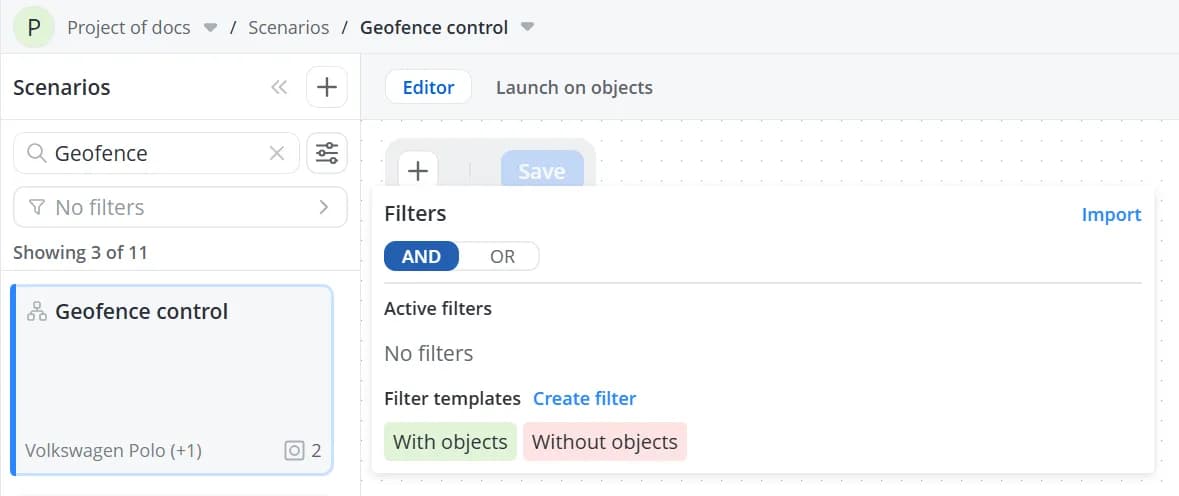
The following filter presets are available by default:
- With objects – scenarios that have one or more objects assigned to them;
- Without objects – scenarios that do not have any assigned objects.
The AND/OR option determines how multiple active filters are combined.
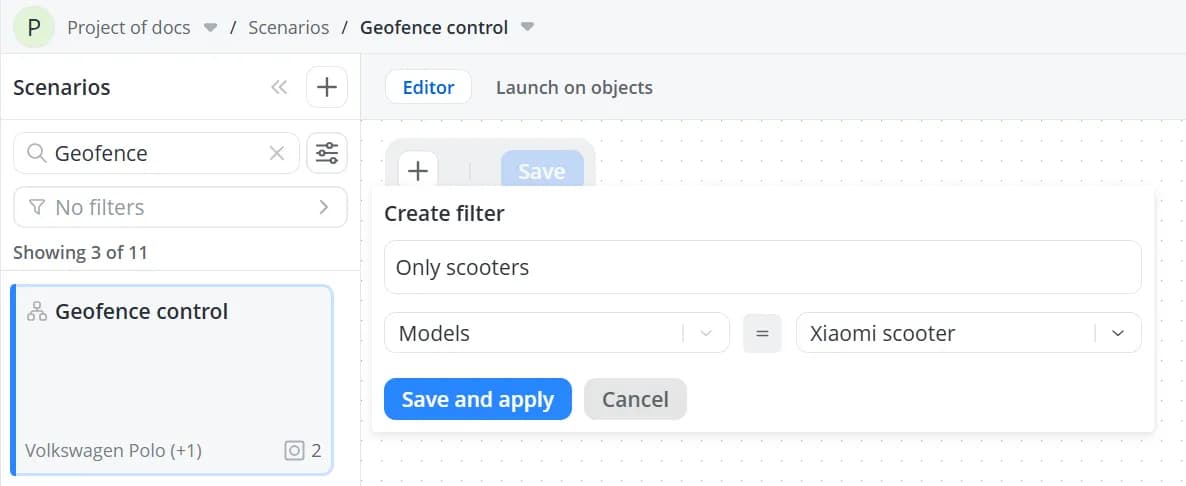
You can also create custom filters and save them for future use. When creating a custom filter, you can use the model
list to display only scenarios associated with specific models.
Sorting and grouping
The scenario list can be sorted by:
- Time created;
- Time updated;
- Name.
Clicking the selected sort option toggles the sort order between ascending and descending.
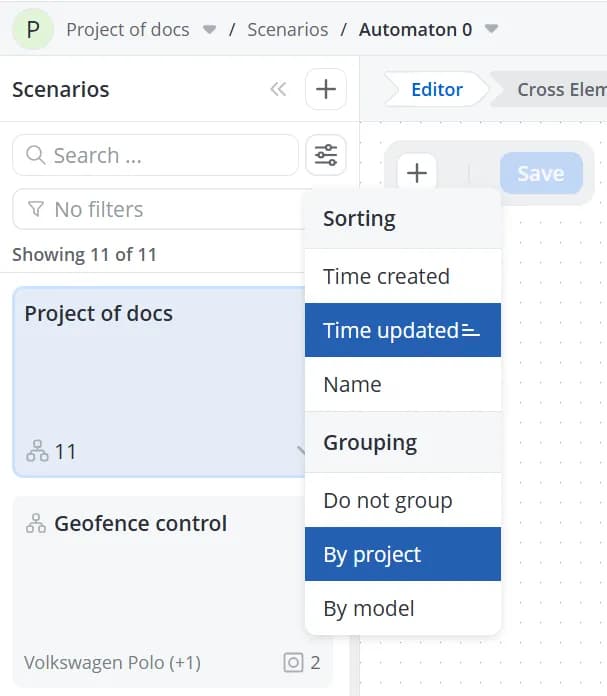
The scenario list also supports grouping:
- By project
💡
Grouping by project is useful only if your project contains nested subprojects.
- By model