Selecting objects for a scenario "By parameters from model"
To select the objects on which a scenario should run, open the Launch on objects tab.
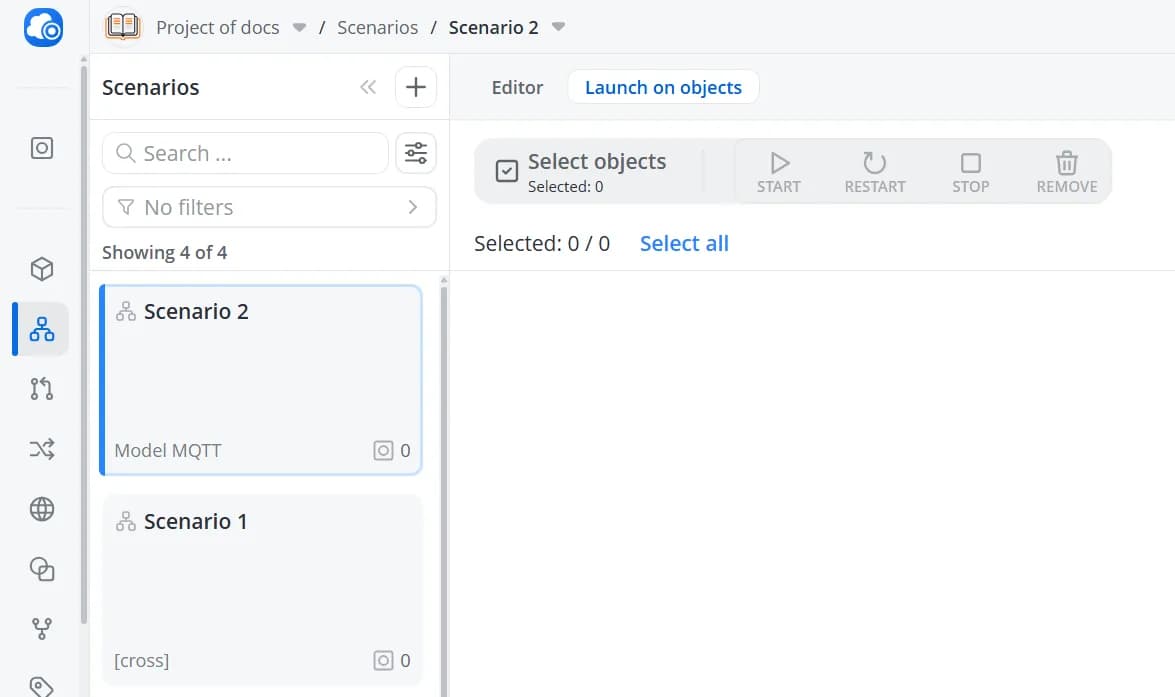
Click Select objects, then choose the object cards for which this scenario should be executed.
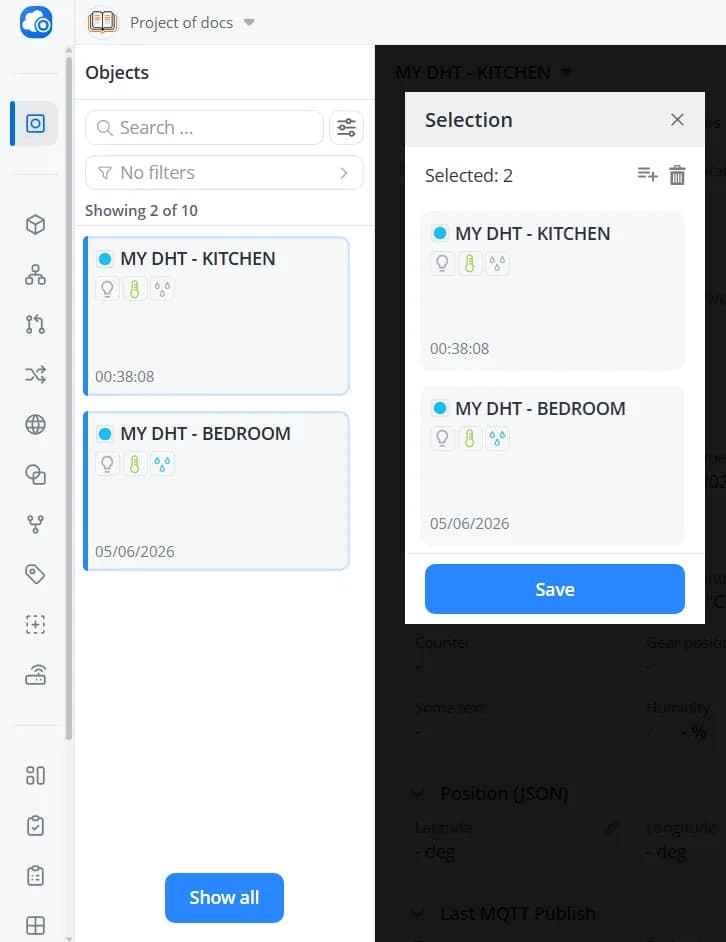
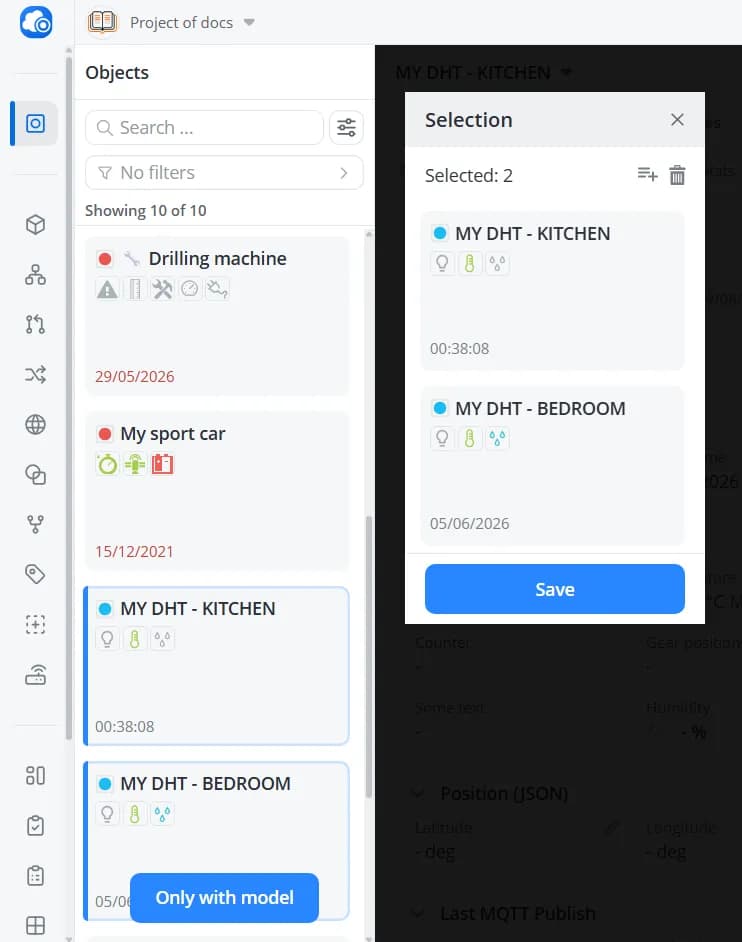
By default, the list displays only objects that use the same model as the scenario. If you want to assign the scenario to an object that uses a different model, click Show all to display the complete list of objects in the current project.
💡
You can assign a scenario to an object that uses a different model from the one on which the scenario was originally
built. However, keep in mind that in this case, it will only work correctly if the identifiers of the parameters,
commands, and events used in the scenario match exactly between the scenario model and the object model. For
example, suppose the scenario was created for a model named
Model1, and one of its conditions references a parameter
with the identifier temperature. You want to run the same scenario on both an object that uses Model1 and an object
that uses Model2, because the logic is identical and the models differ only slightly. For the scenario to work
correctly on the second object, Model2 must also contain a parameter with the identifier temperature.This is one of the reasons why cross-element-based scenarios can be more convenient. They allow you to create reusable,
model-independent scenarios that can be applied across different object models without risking compatibility issues. All
you need to do is map the cross-elements to the corresponding nodes in each model.
Click Save.